
To add issue tracking system navigate to 

Click on Add issue system button and select Email.

Then enter name if it, for example, “Email” and click Create.
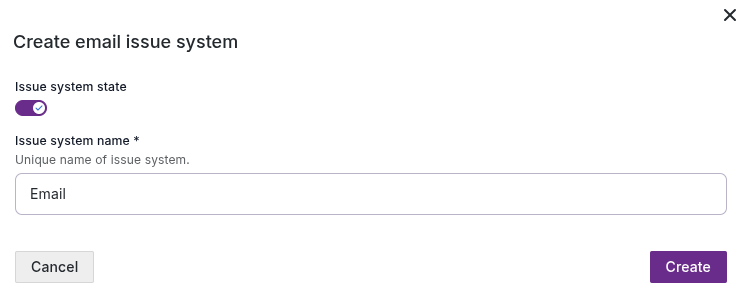
You will see it in the list

Click on issue system to add assignee and then click on Add assignee button.

In new window select operation type: Service.
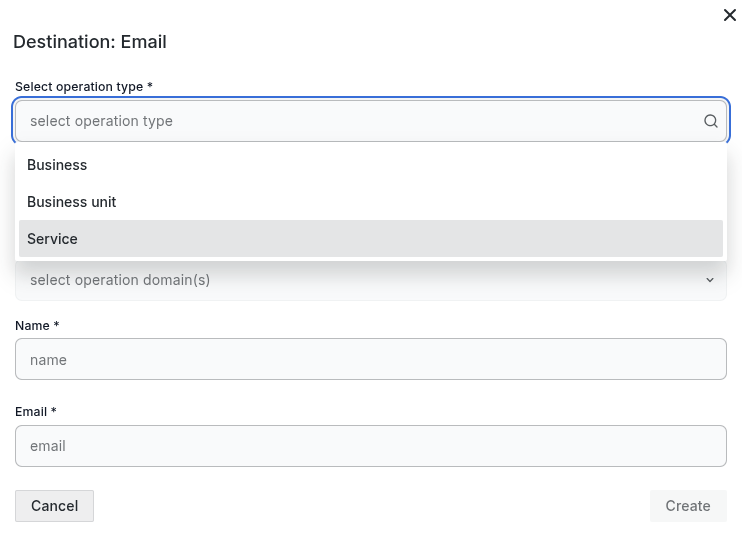
After configured on previous steps service I&B platform will be shown as operation name. Then select operation domain (layer) on witch you would like assignee.
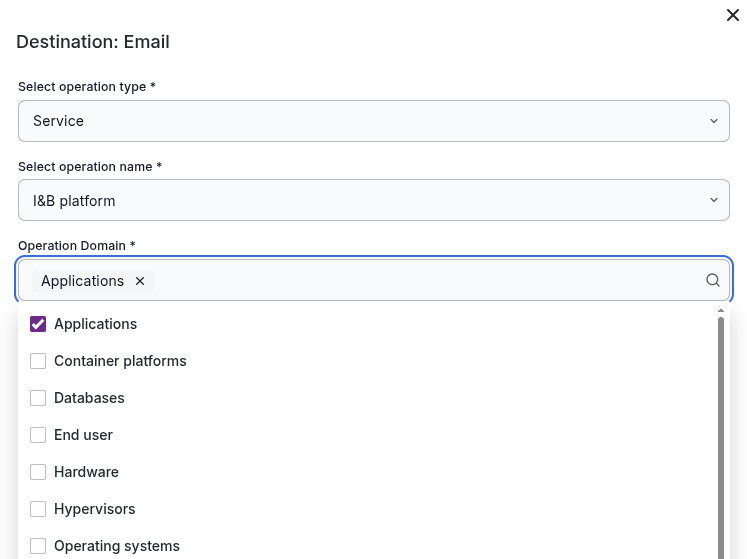
Next enter assignee name, email and click Create button.
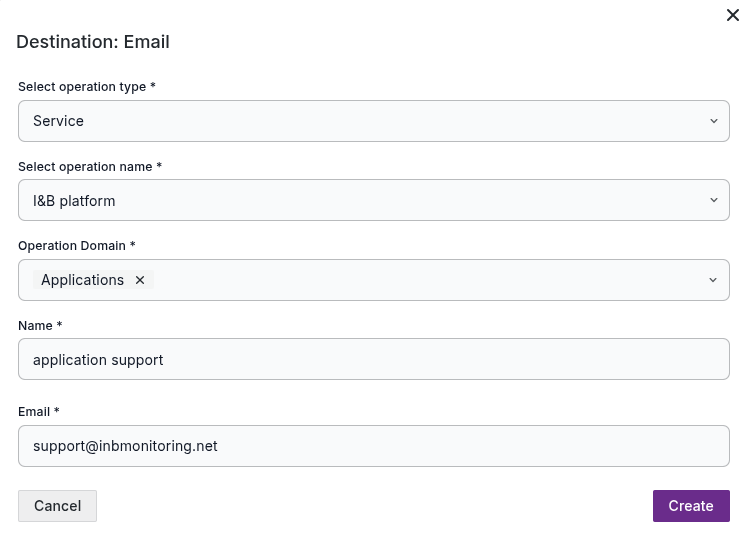
You will see a list of responsible for application layer person (group).

In similar way you can define all engineers that are responsible for each layer of you service or subunit of business unit.
In case alert will be risen on respective layer or resource in layer - assignee will receive issue via configured email.