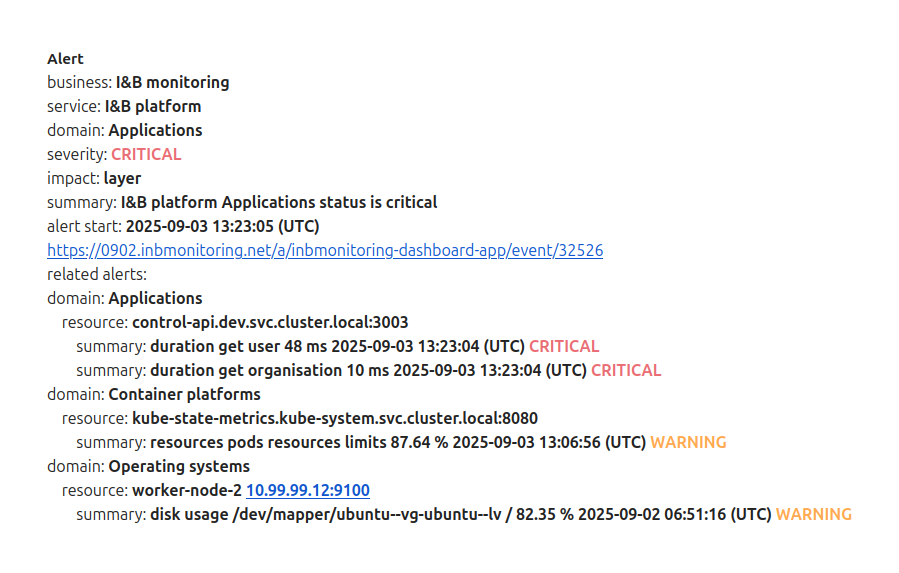
Underlayers allows you to better understand context of alert.
For example, in case there is problem on Application layer it is good to know health (resources usage, errors) of other layers on witch this particular Application is run.
Adding underlayers will show in layer’s alerts context and in created issue its related alerts.
To manage layers and underlayers navigate to 
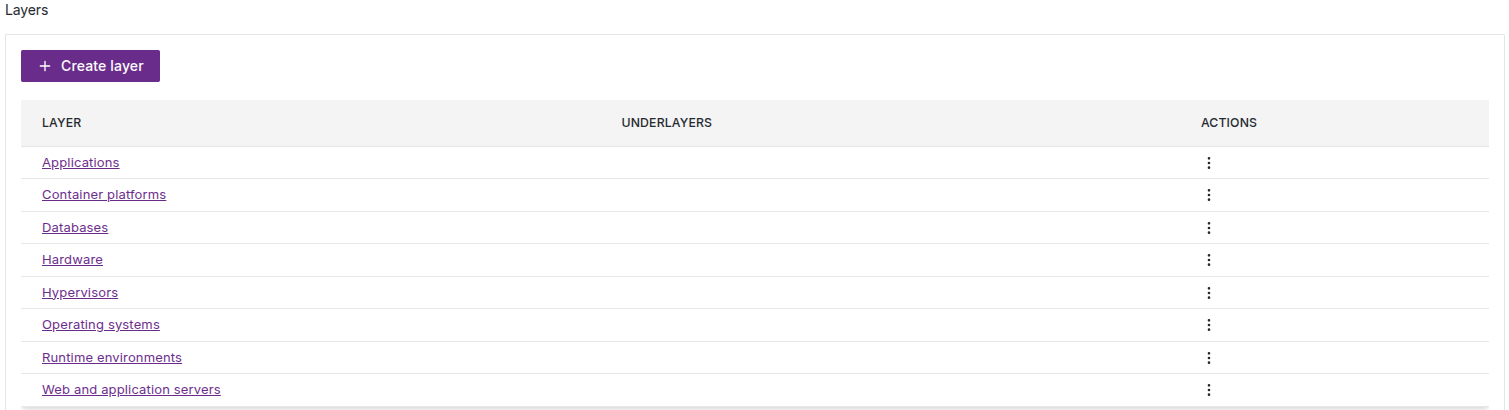
Than click on Applications.

Click on select underlayers drop-down menu.
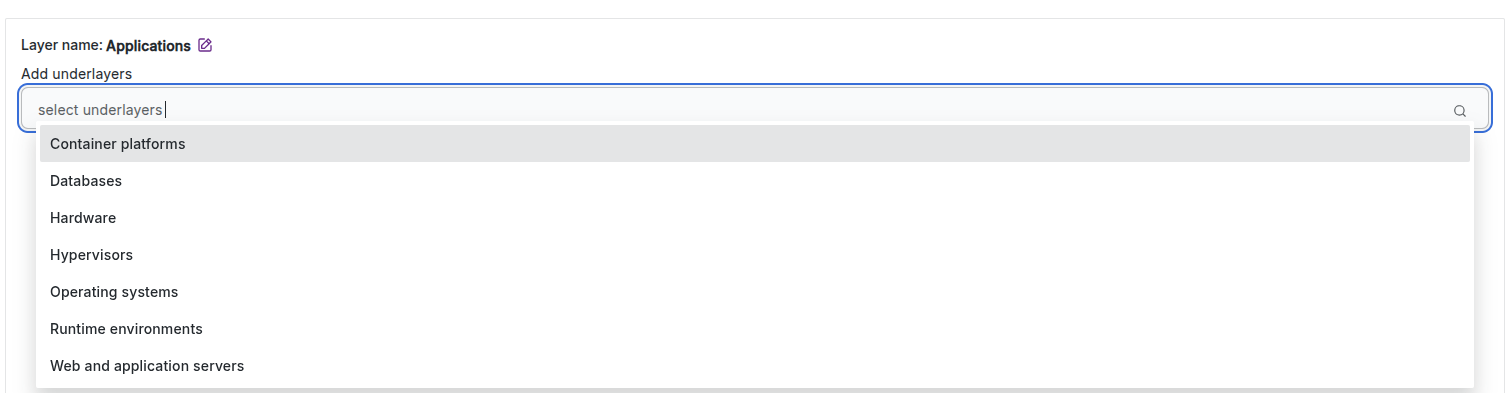
Add select Container platforms, Databases, Operating systems, Runtime environments, Web and application servers as underlayers.

Click Back button.
Now you see all Application underlayers
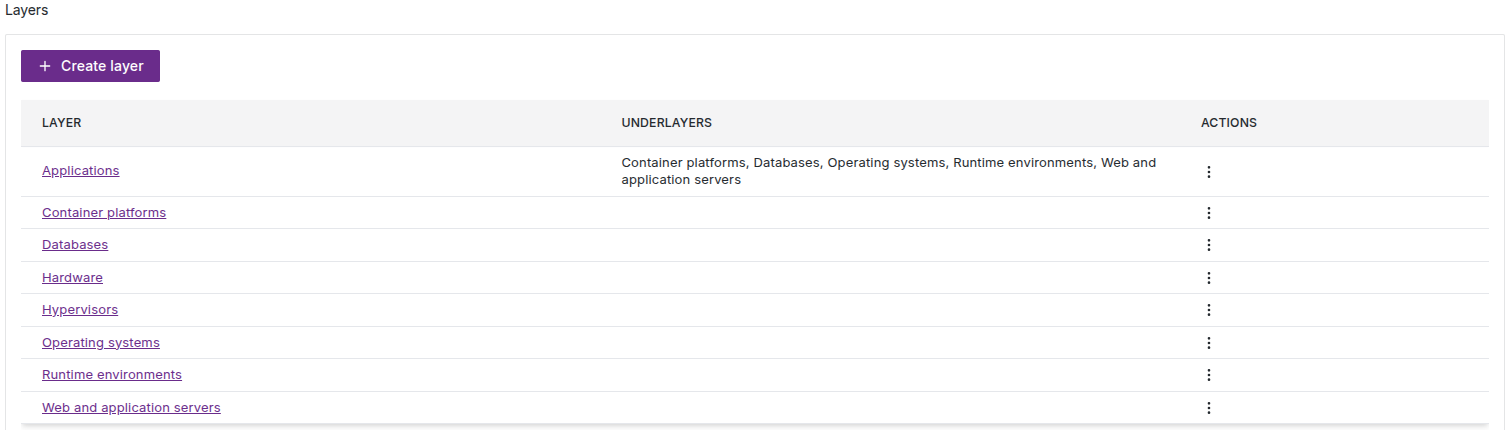
That's it, you configured underlayers.
In section 7. Add issue tracking system described how to configure issue system. After you will do and in case there will be alert on Application layer you will receive issue with similar content: