
To monitor business metrics, you must configure the Business unit and its Subunits. This process closely mirrors the steps used for setting up Services and their monitoring cards.
Create Subunits
Subunits can be created in two different ways.
First one - navigate to 

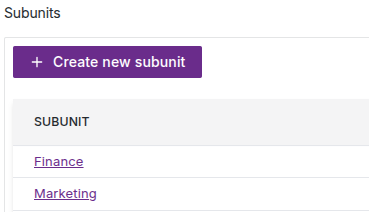
Alternatively, Subunits can be created during the process of designing custom templates for Business units monitoring.
Create Business unit
Once the Subunits and Business units monitoring templates have been created, the next step is to create the Business Unit. Alternatively, you may choose to create the Business Unit first and add Subunits later, depending on your preferred workflow.
Navigate to 


Click on Business unit name (Finance and Marketing) to manage Business unit monitoring cards. For now it is empty list.

Click on Add template button, then select resource.
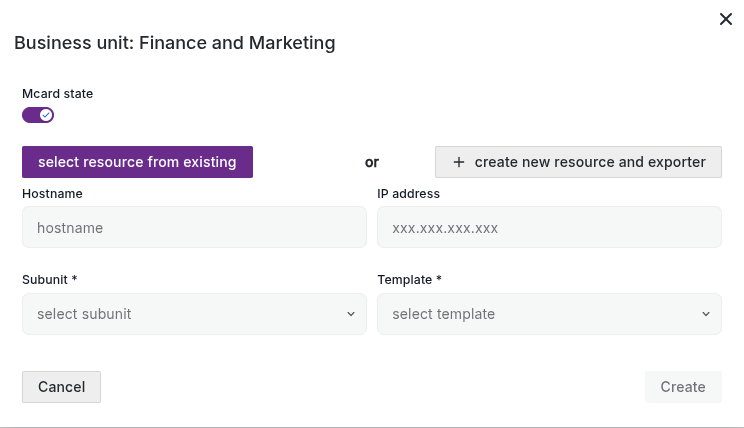
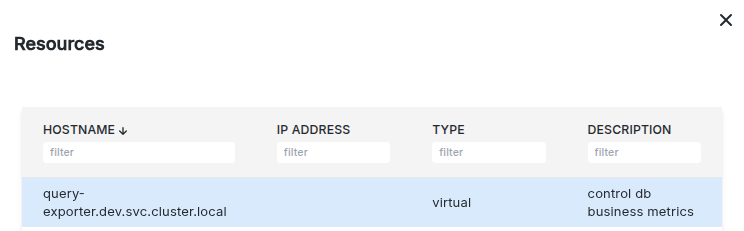
In opened list with created earlier resources select query-exporter.dev.svc.cluster.local and click Add.
Then select Subunit Finance, make sure that appropriate template finance also selected and click Create.
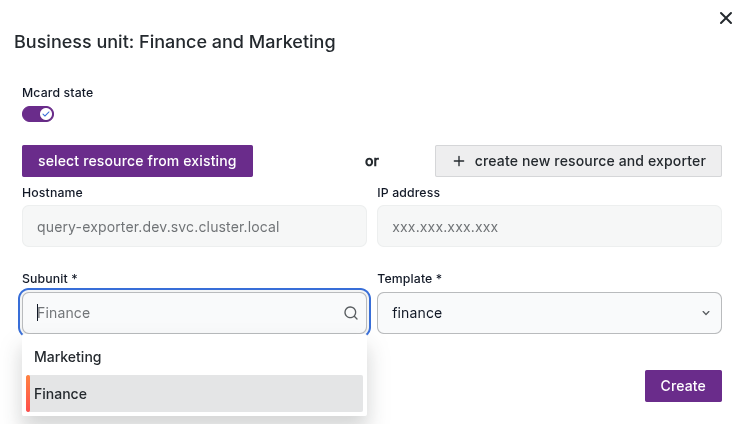
Do the same for Marketing subunit and template.

Create Business
Navigate to 


Click on Business name to manage business monitoring cards.

Click Add operation button.
From a list select Finance and Marketing business unit and click 
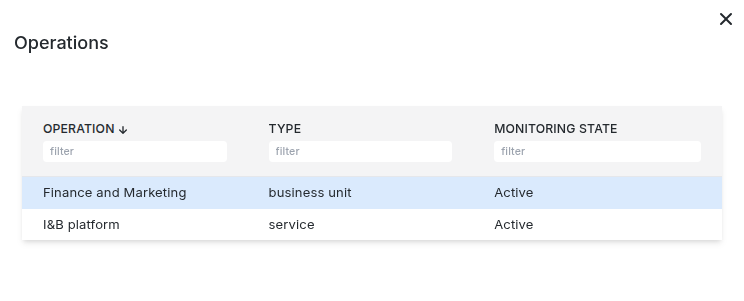
Do same for I&B platform service.

🎉 Congratulations! Setup complete — your Business Units and Services are now fully monitored.